![Bebop_B_Dark-1 (1).png]](https://help.bebop.ai/hs-fs/hubfs/Bebop_B_Dark-1%20(1).png?height=40&name=Bebop_B_Dark-1%20(1).png)
What's in a Bebop 2.0 Playbook?
Before we get into how to generate one, here's what you get. Each Playbook contains five sections:
- Contact Intelligence — key decision makers and how to reach them
- Intent Analysis — the signals that flagged this account as a fit
- Risks & Objections — likely pushback and how to handle it
- Conversation Strategy — how to open and steer the conversation
- Outreach Suggestions — ready-to-use messaging angles
Generate from the Playbooks Tab
This is the most direct way to generate a Playbook. Use this when you already know which company you want to target and you're ready to prep for that conversation.
Step 1 — Go to the Playbooks tab
Click Playbooks in the left navigation menu. This is your dedicated Playbooks library — all your previously generated Playbooks live here too.
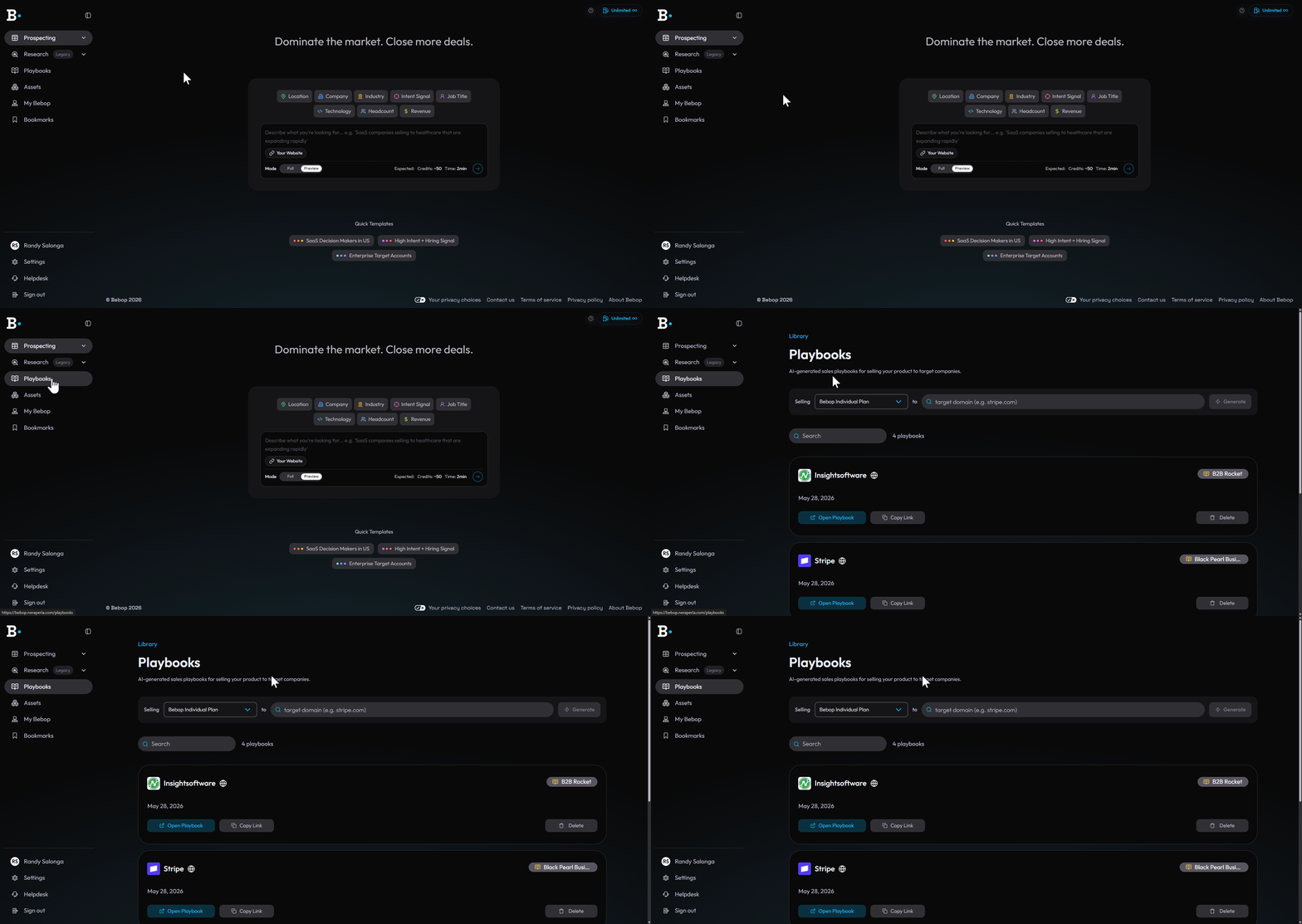
The Playbooks tab in the left navigation — your full Playbooks library.
Step 2 — Select your product
At the top of the page, click the Selling dropdown and select the product you want to sell. This tells Bebop which of your Products & Documents to base the Playbook on.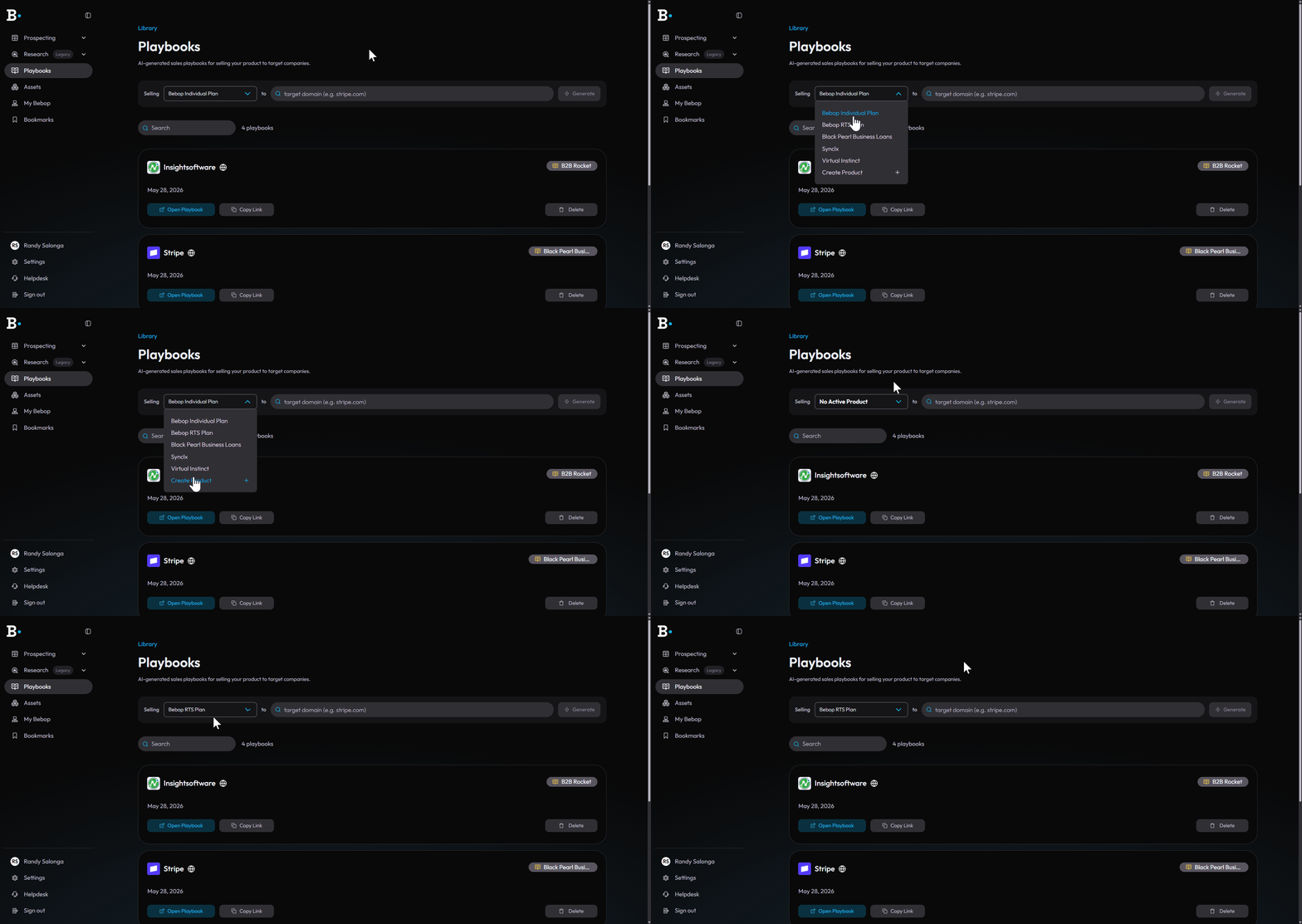
The Selling dropdown at the top of the Playbooks tab.
Step 3 — Enter the target company's URL
In the field next to to, type in the website URL of the company you're targeting and hit Generate.
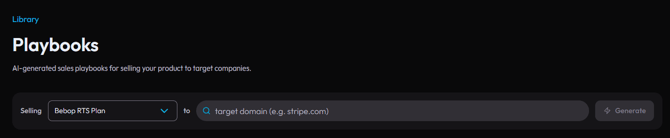
The target company URL field — type the domain and hit Generate.
Step 4 — Review your Playbook
Once generated, your Playbook opens with all five sections ready to use. It's also automatically saved to your Playbooks library so you can come back to it anytime.
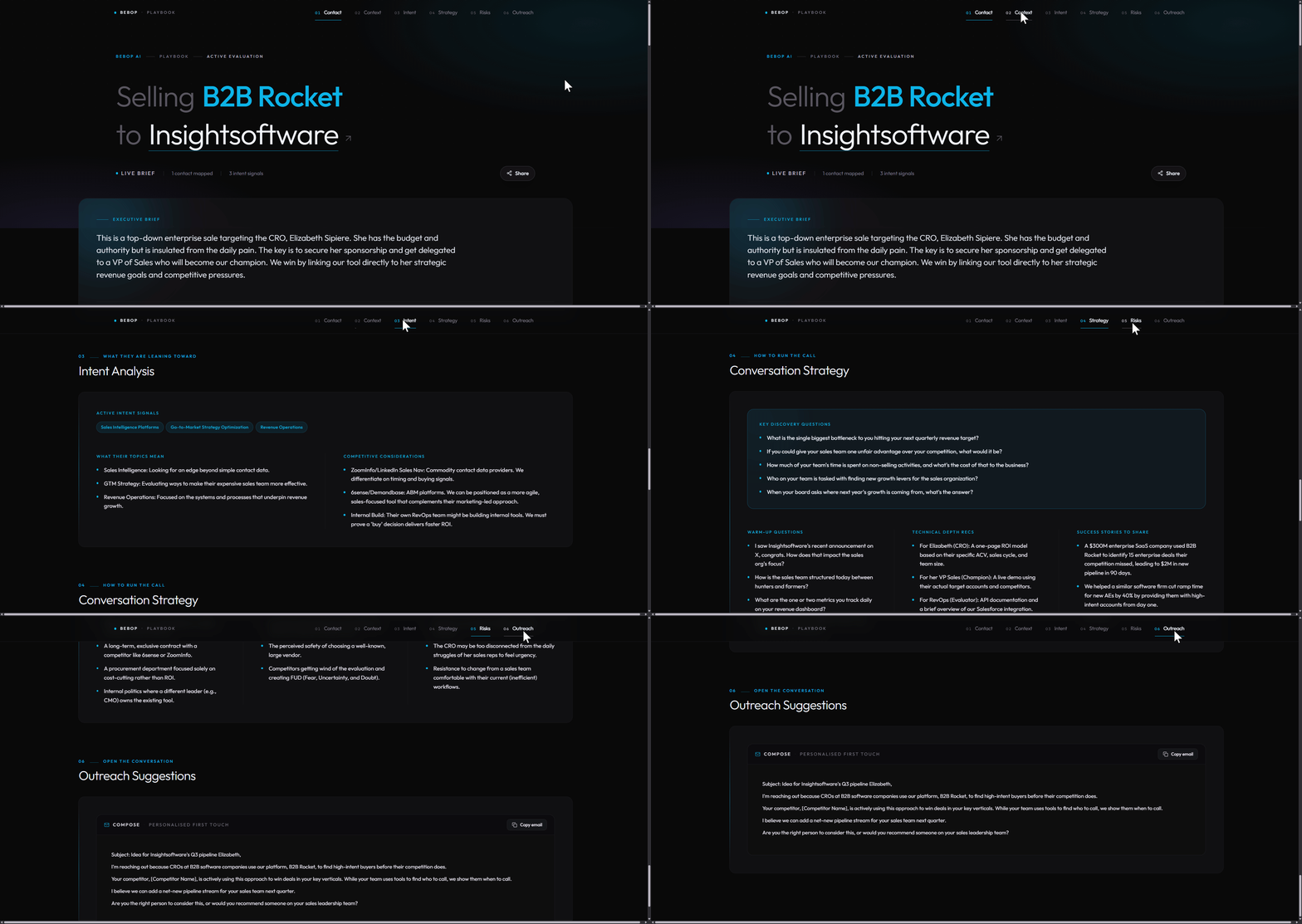
The generated Playbook open with all five sections visible.
Generate from Your Prospecting Results
Already run a search and spotted a company you want to pursue? You can generate a Playbook directly from your search results without leaving the page.
Step 1 — Run a search
Use the Audience Builder to run a search and get your results.
Step 2 — Generate from a lead
From any company in your results, click the Generate Playbook option directly from the lead row. Bebop builds the Playbook instantly using that company's live signals and your Products & Documents setup.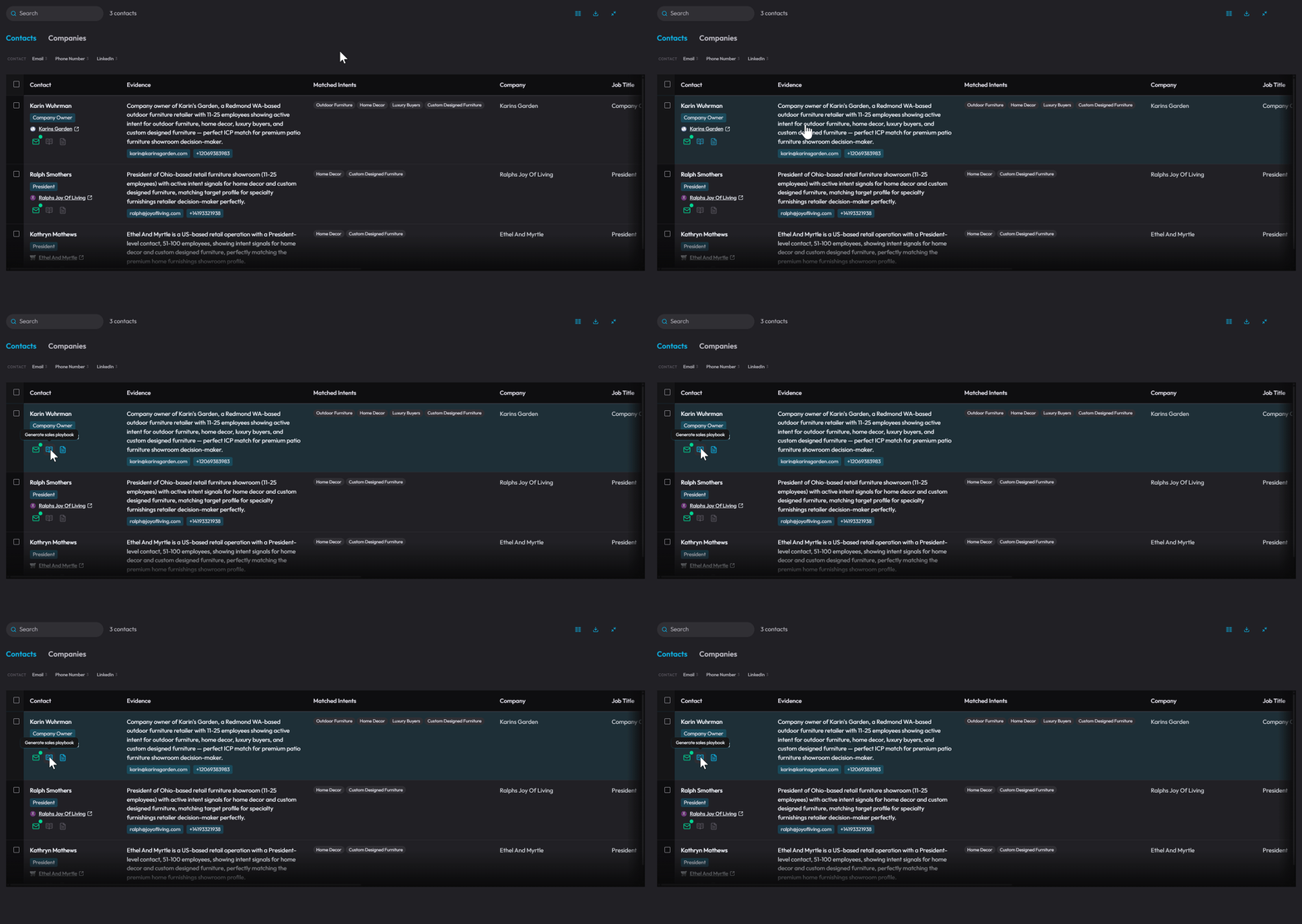
The Generate Playbook option on a lead row in search results.
Batch Generate Playbooks
Need Playbooks for multiple accounts at once? Select multiple leads from your search results using the checkboxes, then choose Generate Playbooks from the batch actions menu. Bebop generates all of them simultaneously.
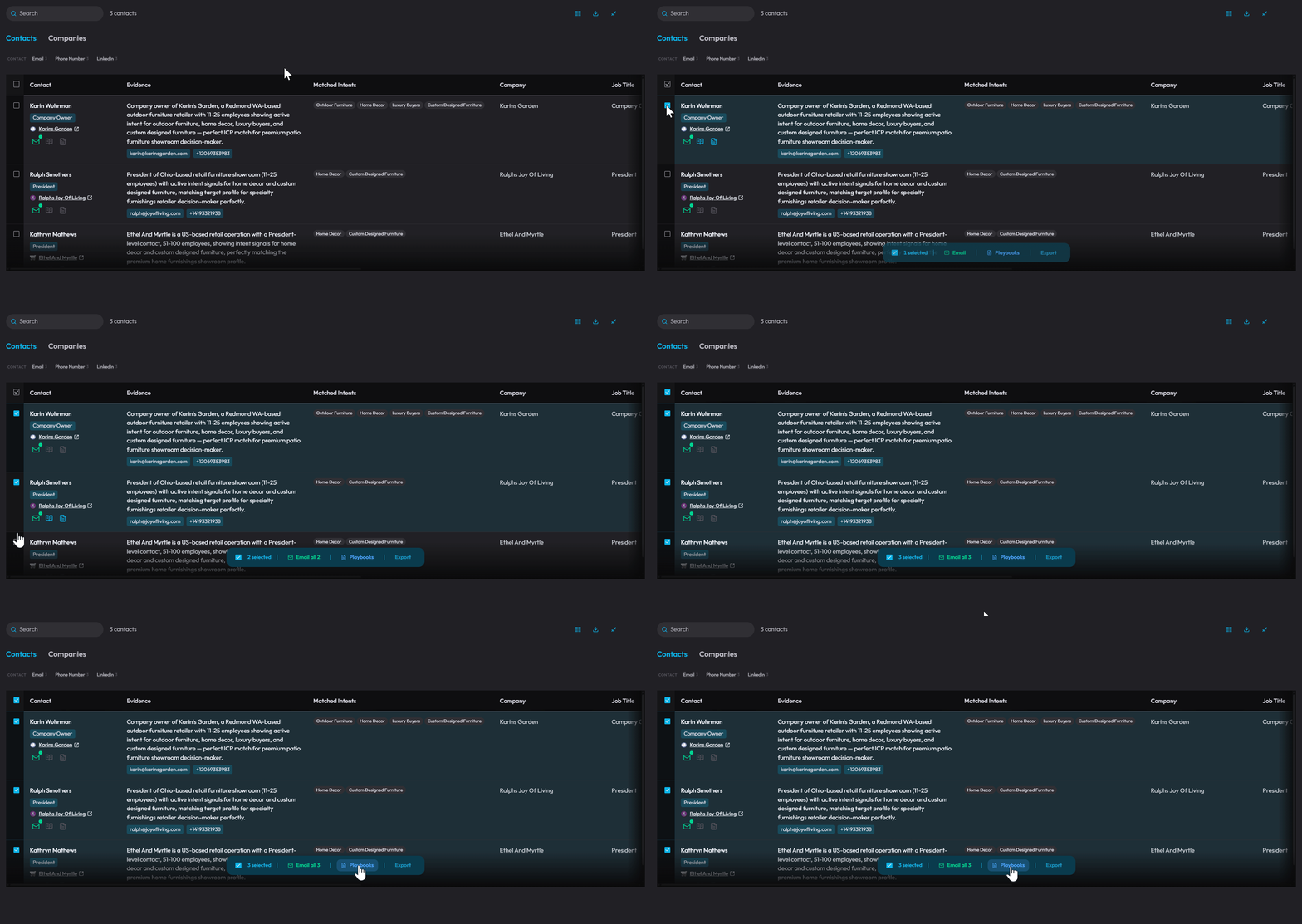
Multiple leads selected with the batch Generate Playbooks option visible.
Where Are My Playbooks Saved?
Every Playbook you generate is automatically saved to the Playbooks tab in your left navigation. They're always there when you need them — nothing gets lost when you close a session.
Tips for Better Playbooks
- Set up your Products & Documents first — the more Bebop knows about what you sell, the more accurate and relevant your Playbooks will be
- Use the target domain field for known accounts — if you're already in a deal or conversation, this is the fastest way to prep
- Check Risks & Objections before every call — it's one of the most valuable sections and takes 30 seconds to read
Need help? Visit the Bebop Help Centre or book a support session with the team.